
Tour Modifications & Rescheduling
Flexible booking options, trip protection and clear answers — so you can book with confidence and peace of mind.
Cancellation Policy of Your Operator
Each operator has its own cancellation policy, and with over 2,500 operators, it can be a bit overwhelming. But we believe in transparency. You can find the cancellation policy for each operator in the "Good to Know" section of the Tour Detail Page, on the checkout page when booking, and on your Booking Conversation Page after completing your booking.
Click the link below to learn how to cancel your tour, or check out our FAQ section further down the page for more information.
Learn More
Flexible Reservation Choices
At TravelShop Booking, we aim to give travelers peace of mind when booking, which is why we encourage operators to provide flexible booking options through our Peace of Mind program. This allows you to:
Modify your travel dates
We understand that plans can change, so many of our operators offer the flexibility to select a new departure date.
Pick an alternative adventure
If your new departure dates or chosen tour no longer fit your plans, some operators offer the option to book a different tour.
Get travel credit if your plans change
Unable to choose new dates or a tour at the time of cancellation? Some operators provide credit for a future adventure.
How can I find details about my flexible booking options?
Check the "Your Peace of Mind Options" section on the Tour Detail Page, located just below the "What's Included" section.
Important: keep in mind that the Credit for Future Tours is only valid with the operator you initially booked.

Trip Protection & Insurance
Travel can be unpredictable. By adding travel insurance to your booking, you'll be covered for medical emergencies, trip cancellations, lost baggage, and more. You can view your personalized travel insurance quote during checkout or find more details by following the link below.
Learn MoreCommon Questions & Answers
What is the cancellation policy for TravelShop Booking?
How do I make changes to my booking?
Visit your tour's Booking Conversation Page and select “Modify Booking” to:
- Change tour dates
- Select a different tour (with the same operator)
- Receive Credit for Future Tours: apply credit to a future trip with the same operator.
- Cancel your tour: full refunds are not guaranteed, and fees may apply as per your operator's terms. Cancellations must be submitted in writing via the “Modify Booking” option.
Fees may apply.
How do I find out if the tour includes flexible booking options?
How do I delay my booking and get Credit for Future Tours?
Log in to your account and click on your booking to access your Booking Conversation Page. Select the “Modify Booking” option and follow the steps. If you need assistance, don't hesitate to contact our Travel Experts — we're available 24/7!
Important: if you postpone your booking, the Credit for Future Tours will only be valid with the operator you originally booked.
If I convert to Credit before my final payment is due, what amount will I receive credit for?
If I convert to Credit for Future Tours, will I still be charged future installments?
What occurs if the operator cancels my tour?
Can the operator modify my tour?
Yes, there are two possible scenarios:
Rerouting: an operator may adjust the itinerary at any time to ensure the safety of travelers. They will reach out to inform you of any necessary changes.
Suspension: operators may suspend your upcoming departure if there are safety concerns, and will contact you with alternative options.
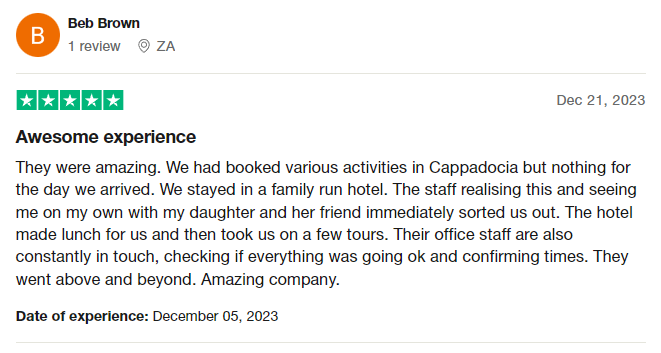
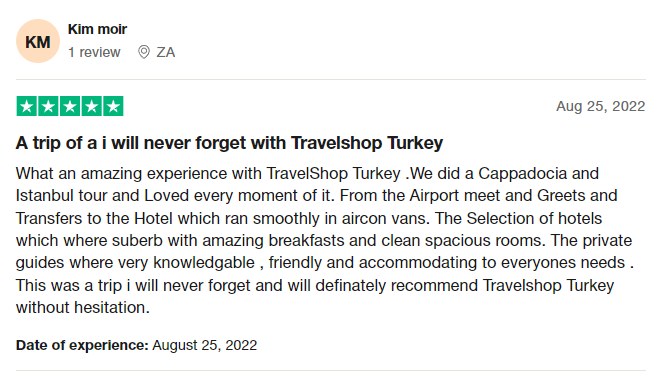
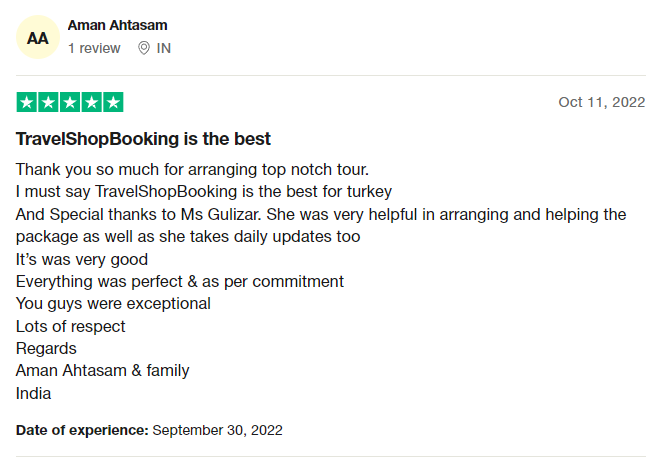
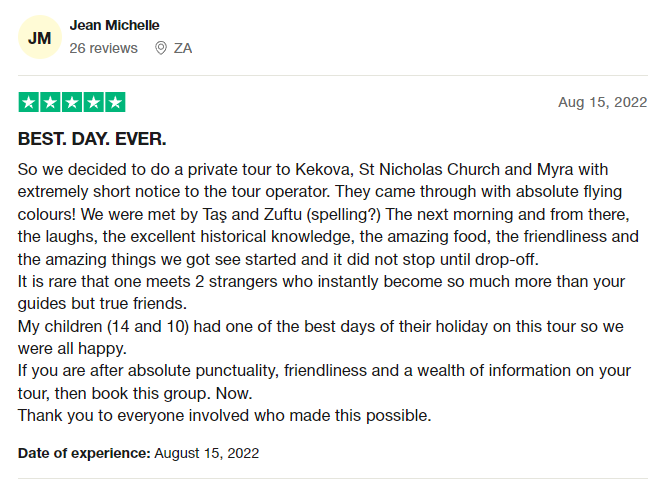
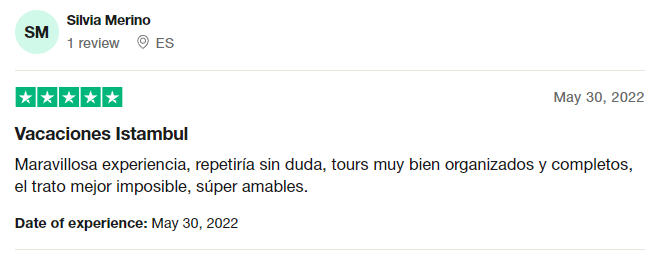
Excellent
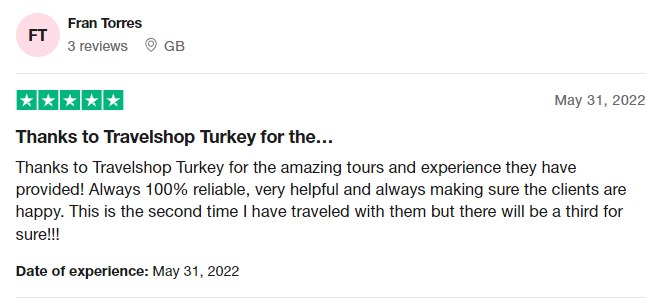
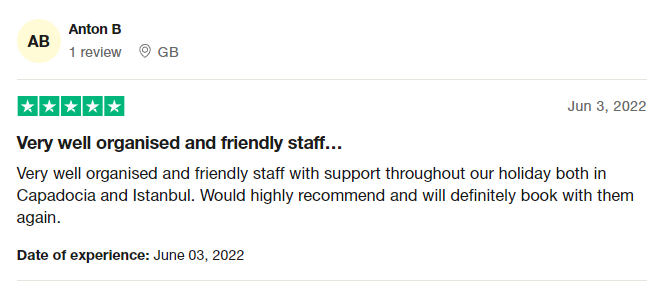
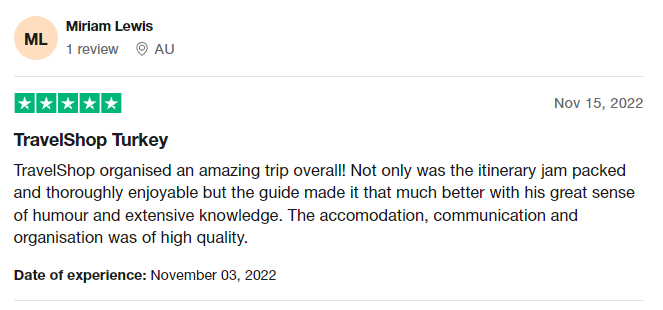
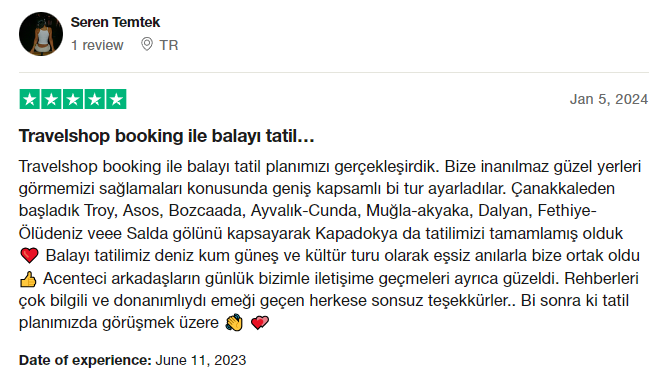
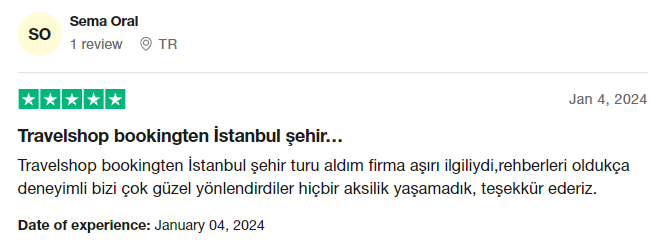
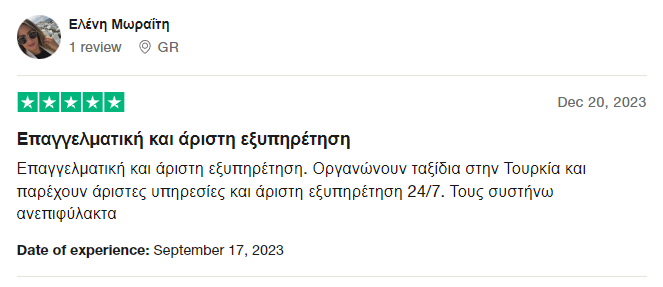
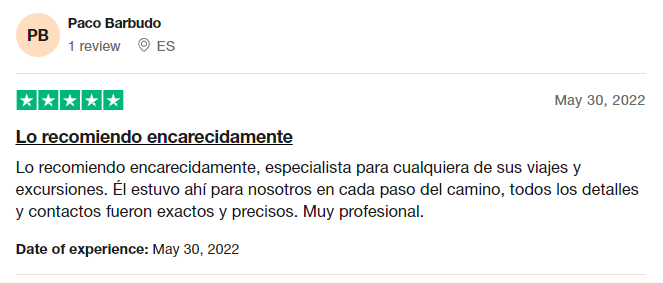
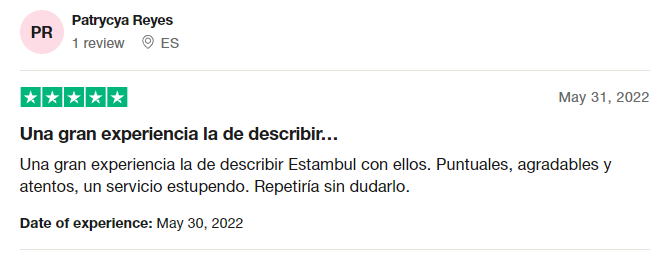
Rated 4.7/5 based on 100 reviews on Trustpilot





















Explore tours by region
Pick a destination and start planning your next adventure.